旧版 iGPU 问题记录(已解决)
11/1/25About 3 min
旧版 iGPU 问题记录(已解决)
注意:以下内容是之前遇到的问题,现在已经解决。保留此文件作为历史参考。
之前的 iGPU 使用问题
背景
想要使用 CPU 的集成显卡(iGPU)作为显示输出,而不是使用独立 GPU,只是简单地将 DP 线从 4060 拔下,然后插到主板的 DP 端口。这可能导致了问题?
检查集成显卡是否工作
# 检查集成显卡是否在工作(虽然物理上我们已经知道不是 GPU 在工作)
lspci -k | grep -EA3 'VGA|3D|Display'
lspci | egrep 'VGA|3D'
可能看到的输出:
00:02.0 VGA compatible controller: Intel Corporation HD Graphics 620 (rev 02)
        Subsystem: Dell HD Graphics 620
        Kernel driver in use: i915
        Kernel modules: i915
检查 GPU 是否正确连接:
sudo apt install mesa-utils
glxinfo | grep -E "OpenGL vendor|OpenGL renderer"
应该看到:
OpenGL vendor string: NVIDIA Corporation
OpenGL renderer string: GeForce GTX 1650/PCIe/SSE2
之前的尝试
AI 建议使用:
sudo nano /etc/modprobe.d/blacklist-nouveau.conf添加以下行到文件:
blacklist nouveau
options nouveau modeset=0
更新 initramfs 并重启:
sudo update-initramfs -u
sudo reboot now
尝试解决的问题
运行:
sudo apt purge '*nvidia*'
sudo apt purge '*cuda*'
sudo apt-get purge nvidia*
reboot now
sudo ubuntu-drivers autoinstall
reboot now
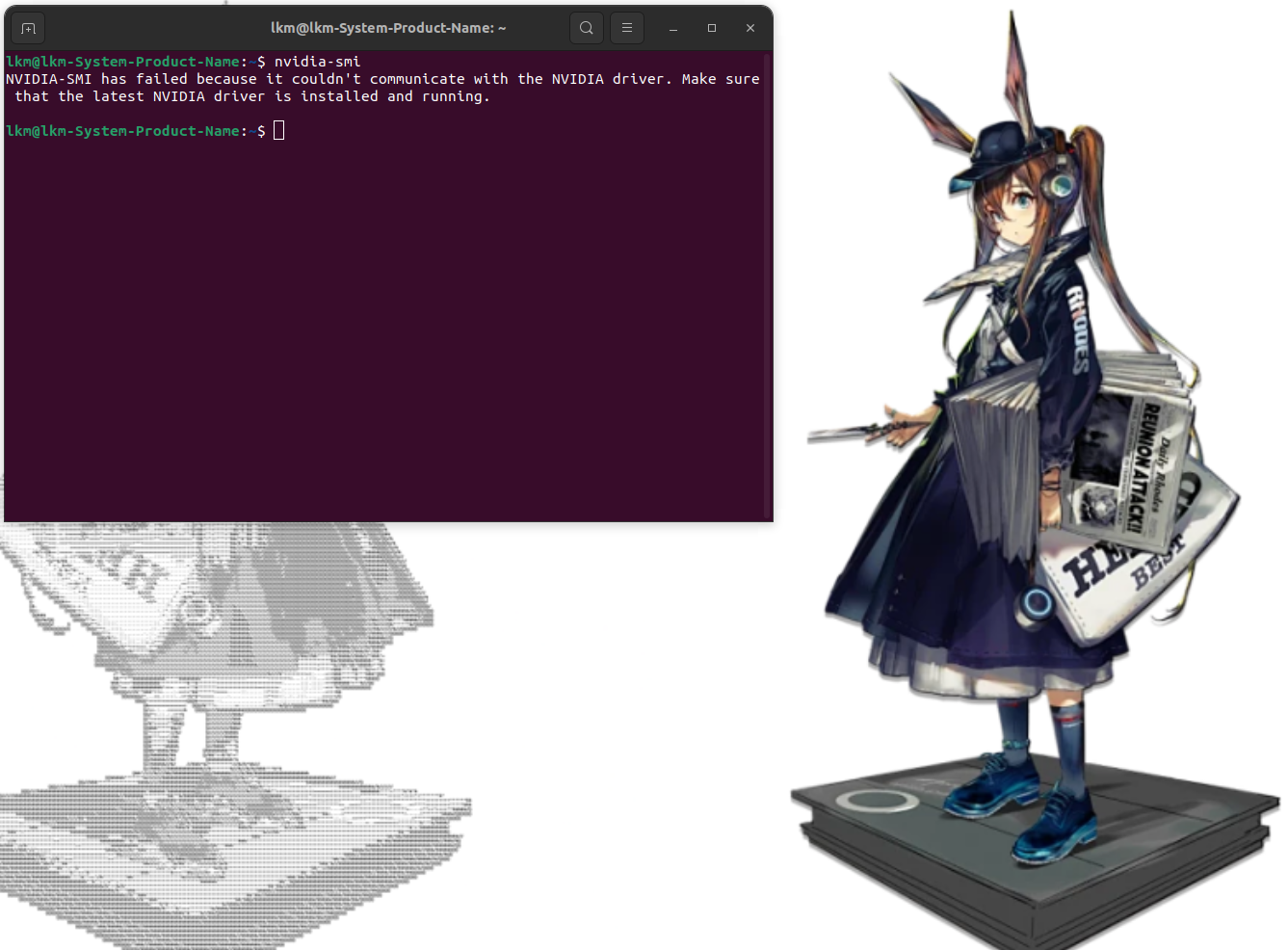
nvidia-smi
nvidia-smi 显示:
NVIDIA-SMI has failed because it couldn't communicate with the NVIDIA driver. Make sure that the latest NVIDIA driver is installed and running.使用 iGPU 显示、GPU 计算的相关参考资料
以下是用于"iGPU 显示渲染和 GPU 计算"目的的参考资料。第一个参考资料中的方法已经测试过,可以工作。
Use integrated graphics for display and NVIDIA GPU for CUDA on Ubuntu 14.04
Intel Integrated Graphics, dedicated GPU for CUDA and Ubuntu 13.10 and 14.04
[SOLVED] Run CUDA on dedicated NVIDIA GPU while connecting monitors to Intel HD graphics, is this possible?
Ask Ubuntu - How to configure iGPU for xserver and nvidia GPU for CUDA work
Using GPU for CUDA and integrated graphics for display - can't make it work
Using GPU for CUDA and integrated graphics for display - can't make it work
之前的问题总结
使用 --no-opengl-files 安装后,nvidia-smi 最初工作正常,但几周后出现了同样的问题。
最终必须将 DP 线插回 GPU 而不是主板。希望之后不会再有问题。
          _————             +--------------------------------------+
         //¯¯\\\\           |    _  _     _    _ _                 |
        // _  _\\           |   | \| |_ _(_)__| (_)__ _            |
        \|(0)(0)\           |   | .` \ V / / _` | / _` |_          |
        d  n ¨  b           |   |_|\_|\_/|_\__,_|_\__,_( )         |
         \_U_^  /           |                          |/          |
         /   \_/|_____      |       Nvidia,                        |
      ___\   |__/\    \_    |          Fuck you!                   |
     /   |   / |:|      \   |   ___        _                   _   |
    /    /  /\ |:|     | \  |  | __|  _ __| |__  _  _ ___ _  _| |  |
   |    /\__/ \|:\     |  \ |  | _| || / _| / / | || / _ \ || |_|  |
    \  /\   / ||: \    \  | |  |_| \_,_\__|_\_\  \_, \___/\_,_(_)  |
     \/  \_/  ||: |     |  \|                    |__/              |
     /     /  //; \     |  |+--------------------------------------+
     \    /  /|;   \    |  \
解决方案
问题的根本原因是驱动没有针对新内核编译。这实际上与 iGPU 无关。
解决方案是重新安装驱动,这样它就会针对当前的内核进行编译。